ChatGPT or Codex app
Open OpenRoom inside the app's built-in browser. Nothing to install.
- In the app, open its browser and paste this address:
this page's address - Start a chat. The app finds OpenRoom's tools on its own.
AI room planner and furniture shopping
Furnish a real room photo with catalog products — by hand, or through the AI app you already use.
Open the demo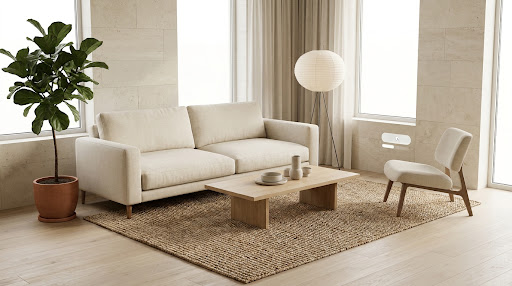
Open OpenRoom inside the app's built-in browser. Nothing to install.
this page's addressNeeds a local checkout: git clone https://github.com/Taehun/OpenRoom, then pnpm install. Replace <repo> below with that folder.
claude mcp add --transport stdio openroom -- sh -c 'exec pnpm --silent --dir <repo> mcp:openroom 2>>"$HOME/openroom-mcp.log"'tail -f ~/openroom-mcp.logAdd this to claude_desktop_config.json (Settings > Developer > Edit Config). Needs a local checkout: git clone https://github.com/Taehun/OpenRoom, then pnpm install. Replace <repo> below with that folder.
{
  "mcpServers": {
    "openroom": {
      "command": "sh",
      "args": ["-c", "exec pnpm --silent --dir <repo> mcp:openroom 2>>\"$HOME/openroom-mcp.log\""]
    }
  }
}tail -f ~/openroom-mcp.logNeeds a local checkout: git clone https://github.com/Taehun/OpenRoom, then pnpm install. Replace <repo> below with that folder.
codex mcp add openroom -- sh -c 'exec pnpm --silent --dir <repo> mcp:openroom 2>>"$HOME/openroom-mcp.log"'tail -f ~/openroom-mcp.logget_sceneget_selectionsearch_productsreplace_objectmove_objectadd_scene_to_cartIn Shopify mode your AI app receives the cart lines and the store's token-free Storefront MCP endpoint, so it can finish the order for you.
Commerce integration in the README (opens in a new tab)OpenRoom is MIT-licensed: the photo compositor, the true-scale placement, and the WebMCP tools are all in the repository.
Taehun/OpenRoom on GitHub (opens in a new tab)